





Security, Scams & Fraud Prevention

Get tips to protect yourself from financial scams with the latest fraud prevention techniques and cybersecurity best practices.

A woman wearing a tan coat, carrying shopping bags walks through a mall.

2025 Holiday Shopping Scams To Avoid

Learn about the latest online holiday shopping scams so you can avoid them.

Close-up of hands typing on a laptop at a desk. The Consumers' Checkbook logo is overlaid on the image.

How To Wipe Computers and Phones

Remove data before getting rid of unwanted digital devices.

A woman in a yellow hoodie sits on the floor in a living room setting, holding a credit card and a smartphone, likely making an online purchase. There is a wooden bookshelf and gray couch in the background.

Voice Cloning AI Scams Are on the Rise

Watch out for AI scams that use the voices of family and loved ones.

A phone screen displaying a text message with a notification that says, "Potential Scam."

Six Top Financial Scams in 2025

Learn about common scams that could swipe your savings and identity.

Image illustrating a log in and password prompt.

Password Phishing Scams: How To Avoid Them

Protect your personal and financial information from online attacks.

Two smiling young children, sitting side by side, looking down at a digital tablet they are holding together. Consumers' Checkbook logo in bottom right of image.

Protect Your Child From Identity Theft

Learn the warning signs and take steps to protect your kids.

A man is seated at a desk, in a home office setting, focused on his laptop while working. He is wearing glasses and a button up shirt. In the background is a bookshelf with books and other home decor. The window next to him makes the setting bright.

Overcoming Data-Breach Fatigue

How to avoid weariness while also avoiding worry about data leaks and breaches.
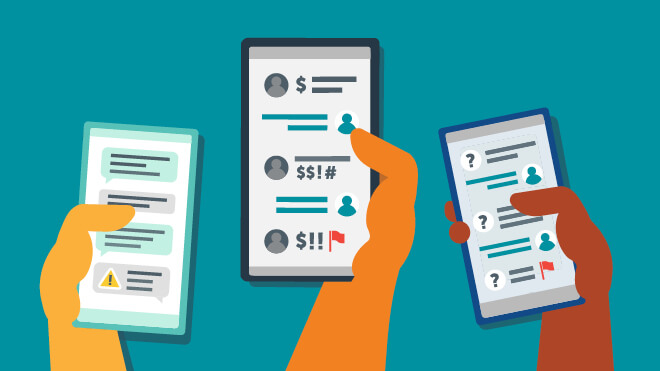
This is an illustration of three hands holding up smart phones. Each phone is displaying text message threads with potential text scams. The phone on the left appears to have an alert message. The phone in the middle has question mark icons and a red security flag.  The phone on the left has several dollar sign symbols and a red security flag. Each hand has a diverse skin tone color. The background of the illustration is blue.

​How To Spot a Text Scam

​​Is that text real? We identify common scams and ways to spot fake texts.​

Multiple blank, colorful price tags

Is Online Shopping Safe?

We review computer viruses, sweetheart and online scams and reporting them.